For managers and boards sending announcements
Bulk Email
Send the pool-closing notice once, and know who got it.
Community email usually means a personal inbox, a BCC list somebody exported last spring, and no idea who actually received it. Bulk Email sends from the community to the current roster, and shows you what landed.
- Create your own groups of properties and email only those homes
- Your community's branding, sent from your own email domain
- Send a test, schedule it for later, or stop it mid-send
- Delivered, bounced and unsubscribed — counted for every message
Email only the homes it concerns
Create your own groups of properties — one street, one phase, the homes backing onto the pond — and send to just those homes, owners, tenants or both. The preview updates as you write, and the list comes from the same records the nightly sync keeps current, so nobody who sold last month is still getting your mail.
Your brand, your domain
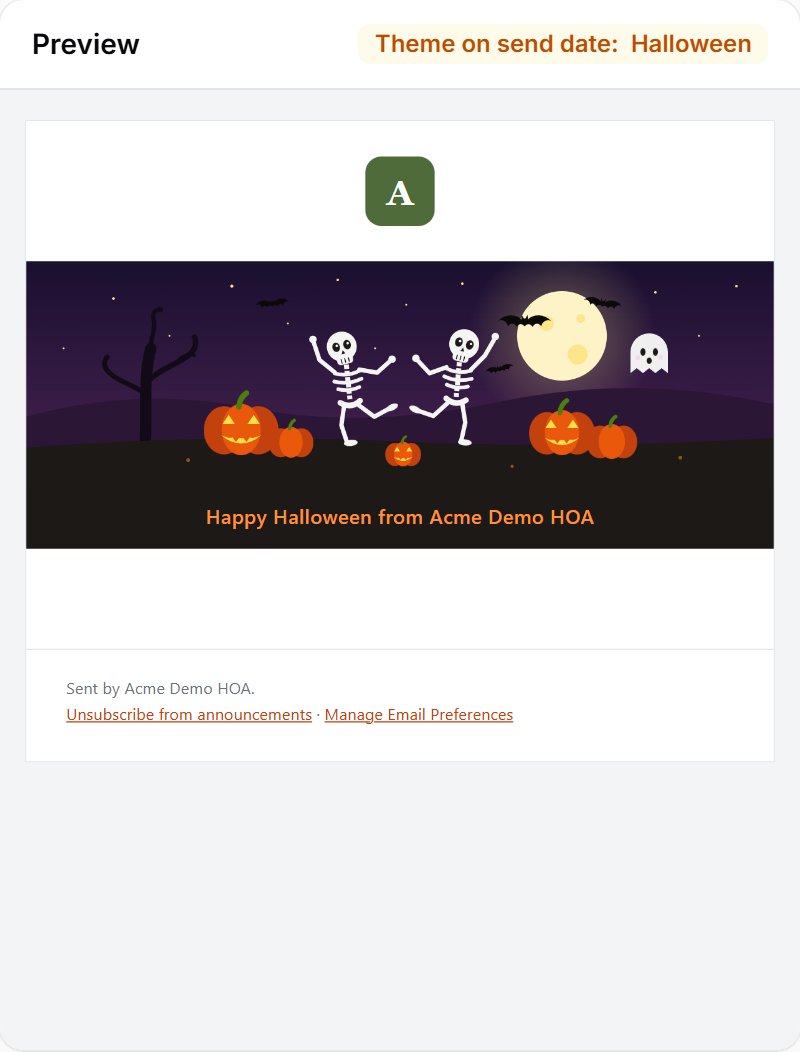
Announcements carry your community's logo and colors and are sent from your own email domain, so residents recognize the sender and the message lands in the inbox rather than spam. Photos and attachments are welcome, every layout reads well on a phone, and seasonal themes change the look on their own through the year if you want them to.
Know what actually arrived
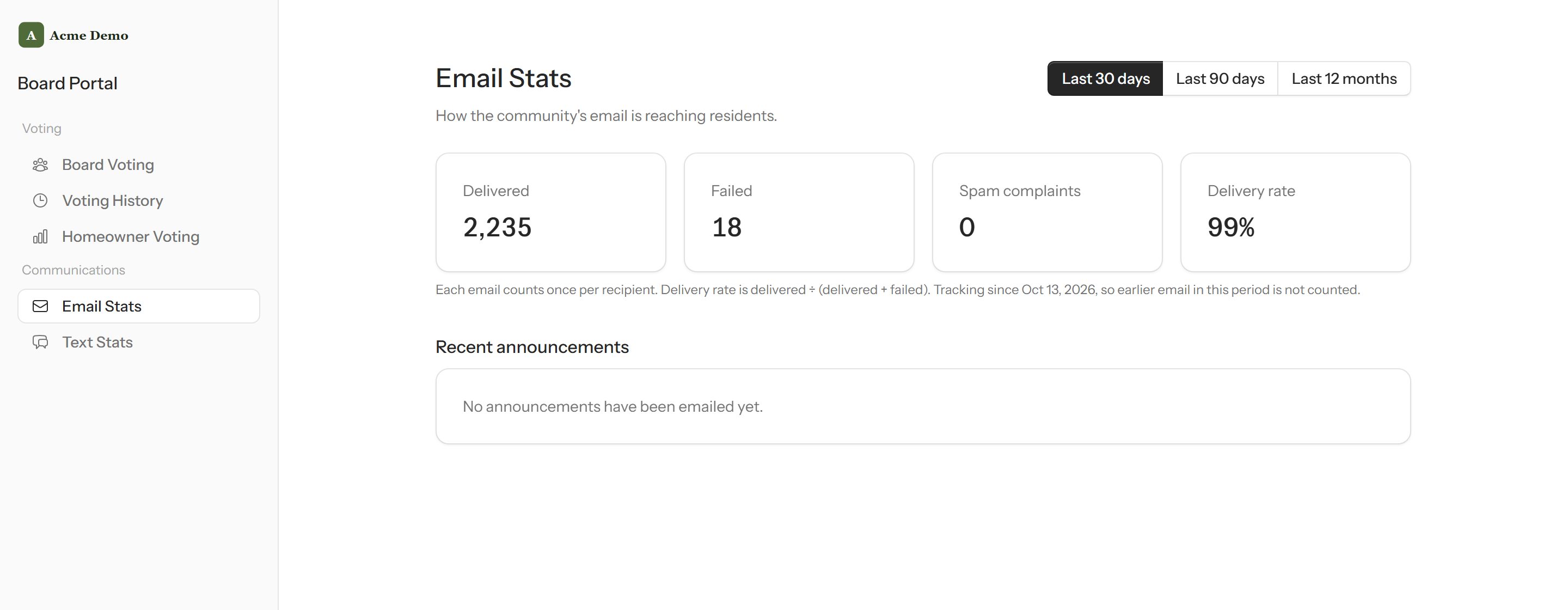
Every message reports how many were delivered, how many bounced and who has unsubscribed. Required notices still reach owners who opted out of the newsletter, and staff can stop a send the moment they spot a mistake.
Guides on this topic
Often used alongside
Bulk Text
Text owners and tenants from your community's own number, with the cost shown first.
Welcome Committee
A list of new owners for your volunteers to visit, kept current for you.
Rental Detection
Find homes being rented that nobody registered with the HOA.
Want to see Bulk Email on your community?
Tell us what you are trying to solve and we will get back to you personally.
Request a demo